NFC Review Cards

Google Review Cards

More reviews, More visibility,

More customers.

And more ways to ask...

Help customers leave reviews on multiple platforms, follow your socials, email you or visit your website with our NFC and QR cards.

Connect with us through customer reviews, social media, email and your website
5 stars.webp

Trusted by 500+ businesses across Aus/NZ

NFC Review Cards

Google Review Cards

More reviews. More visibility.

More customers.

And More ways to ask…

Connect with us through customer reviews, social media, email and your website
Easy to use
No app needed. Tap or scan to leave a review
easy to use
More ways to connect
Your branded page for reviews, socials, email, website and more.
more ways to connect
Designed for your space
Cards, tiles and stands
that suit your space and brand.
designed for your space
See what’s working
Track reviews and compare
card performance.
see whats working
Easy to use
No app needed. Tap or scan
to leave a review
easy to use
More ways to connect
Your branded page for reviews,
socials, email, website and more.
more ways to connect
Designed for your space
Cards, tiles and stands
that suit your space.
designed for your space
See what’s working
Track reviews and compare
card performance.
see whats working

Google Review Cards, Stands & Tiles

Choose the best mix for your space

Find the right cards for the best places.

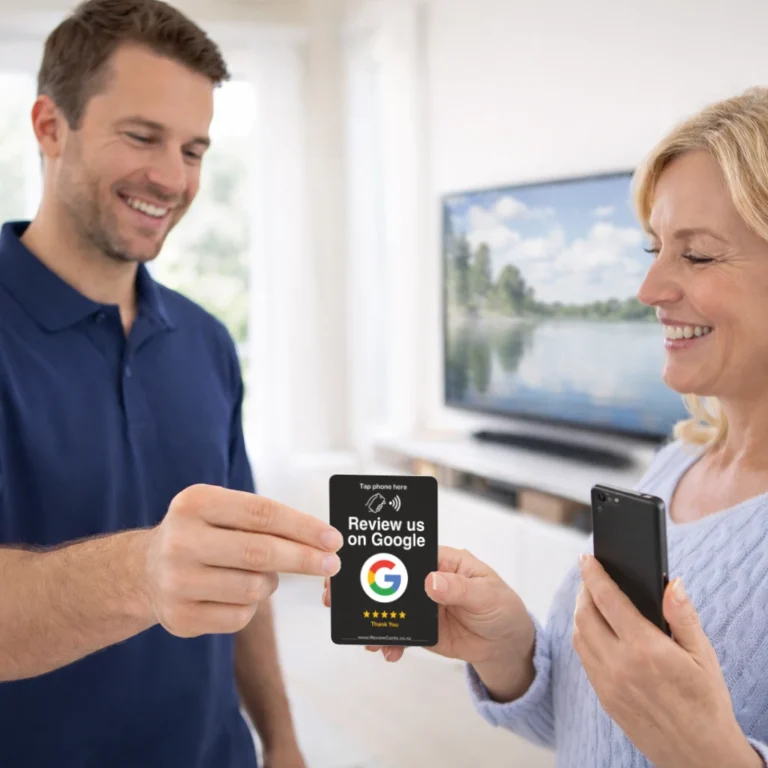
black card home service.webp

Google Review Cards

from $16.50 AUD
The personal ask
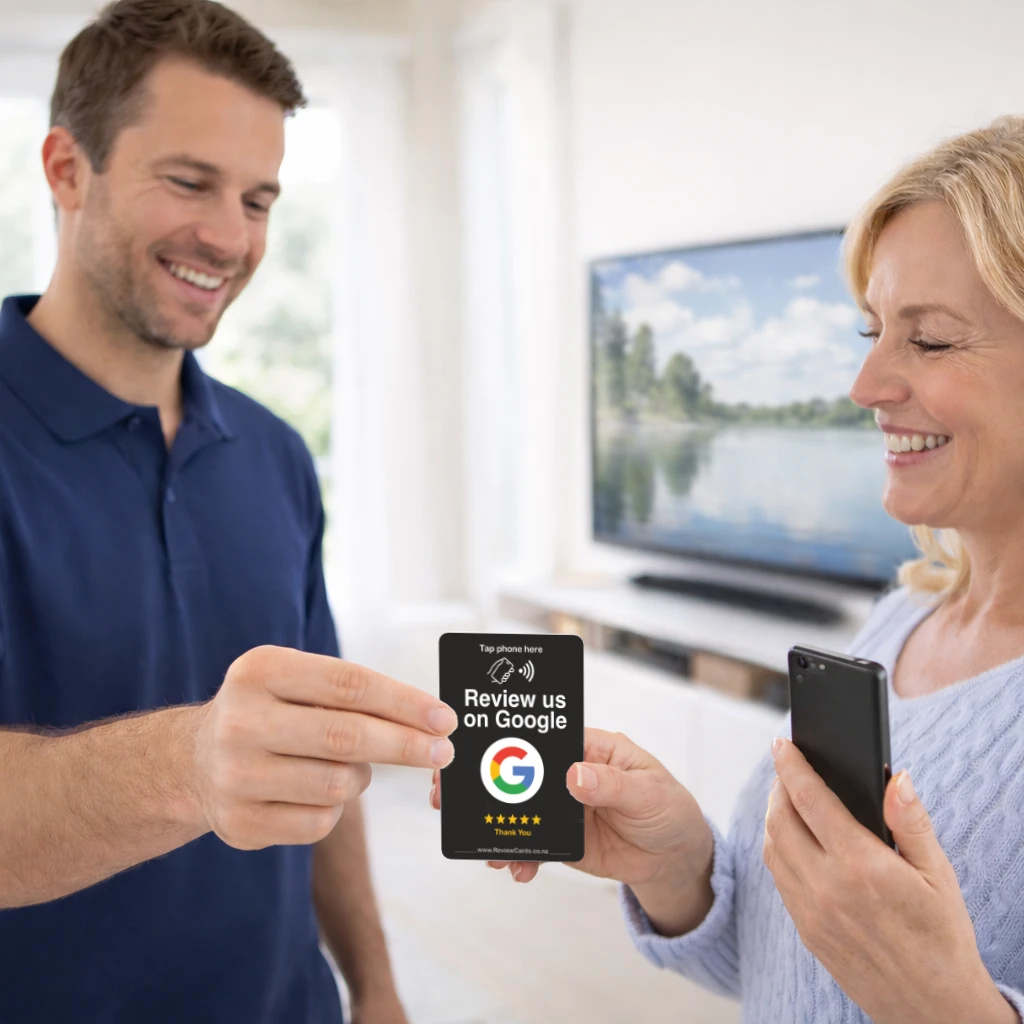
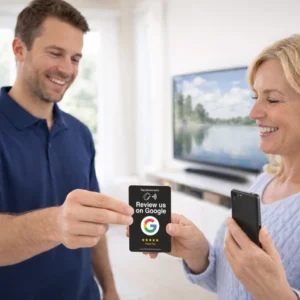
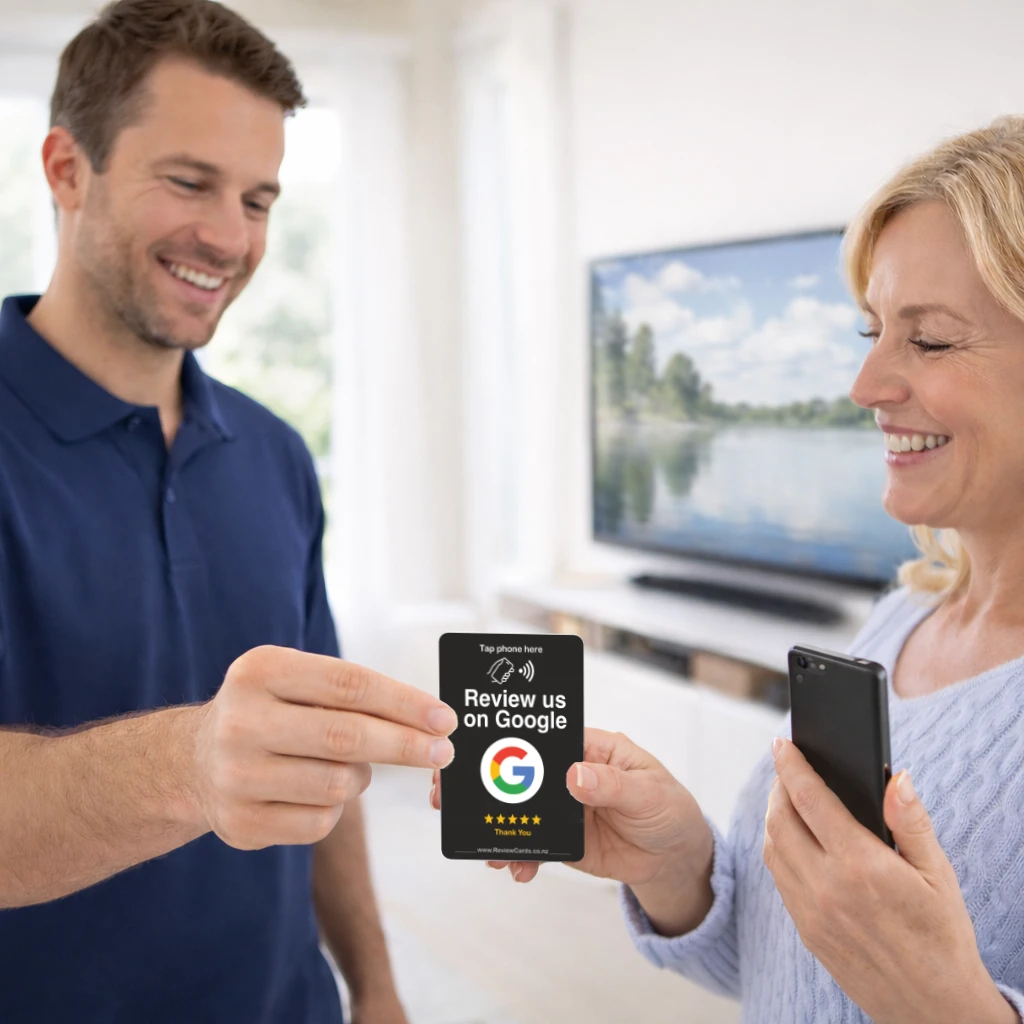
Handed directly after service.
Best for:
✓ Tradies
✓ Mobile services
✓ Sales teams
✓ Appointments
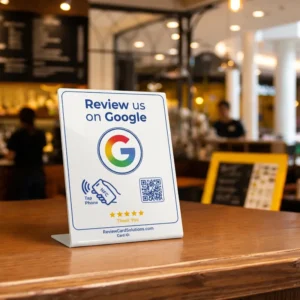
google review stand on cafe counter 2

Google Review Stands

from $38 AUD
Where customers land
Always visible at your busiest customer positions.
Best for:
✓ Cafes & restaurants
✓ Reception desks
✓ Retail & service counters
✓ Checkout counters
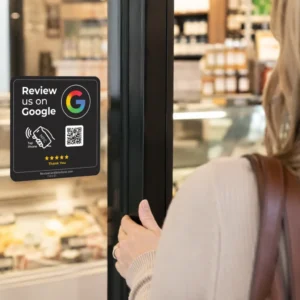
review tile on exit door

Google Review Tiles

from $28 AUD
Place them anywhere
Wherever customers pass, pause, browse or wait.
Best for:
✓ Entry & exit doors
✓ Glass & display areas
✓ Checkout counters
✓ POS terminals
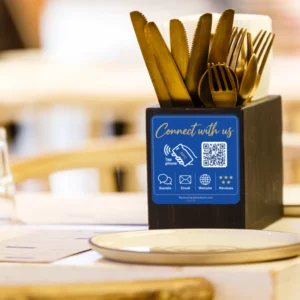
google review tile on table

Review & Connect Tiles

from $14 AUD
For the quiet moments
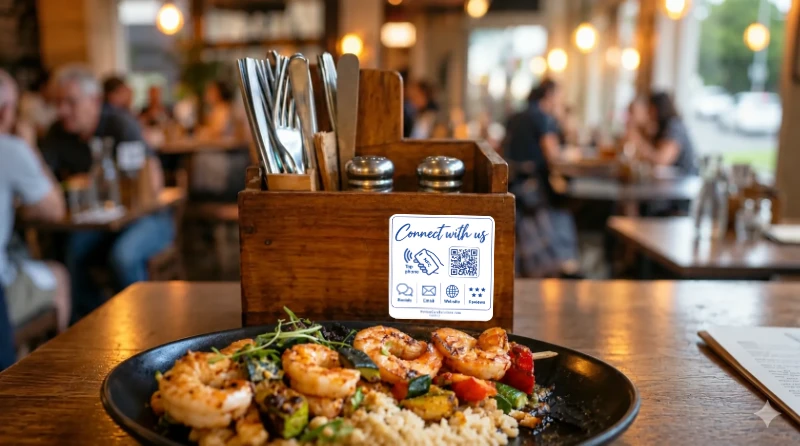
Where customers settle. Every seat an opportunity.
Best for:
✓ Tables & seating areas
✓ Cafes, restaurants & bars
✓ Salon stations
✓ Consultation desks
Review Cards
Best for:
✓Tradies
✓Mobile services
✓Sales teams
✓Appointments

Review Cards

from $16.50 AUD
The personal ask
Handed directly after service.
↗ Explore Review Cards
Review Stands
Best for:
✓Cafes & restaurants
✓Reception desks
✓Retail & service counters
✓Checkout counters

Review Stands

from $38 AUD
Where customers land
Always visible at your busiest customer positions.
↗ Explore Review Stands
Review Tiles
Best for:
✓Entry & exit doors
✓Glass & display areas
✓Checkout counters
✓POS terminals

Review Tiles

from $28 AUD
Place them anywhere
Wherever customers pass, pause, browse or wait.
↗ Explore Review Tiles
Connect Tiles
Best for:
✓Tables & seating areas
✓Cafes, restaurants & bars
✓Salon stations
✓Consultation desks

Connect Tiles

from $14 AUD
For the quiet moments
Where customers settle. Every seat an opportunity.
↗ Explore Connect Tiles
combine icon.webp

Mix and match to cover more spaces

Cards, stands and tiles work together, creating more opportunities.

Used by businesses across Australia
Anytime Fitness Taylor Plumbing Blue Kanu Muffin Break Black Leaf Tattoo JC Plumbing and Gas Tyrepower Butter Chicken Factory Barber Armani Midas Next Gen Electrical The Phin House PACK & SEND Sports Clinic Complete Heat & Cooling Laser Plumbing Baja Mexico Premier Osteo STIHL Shop Complete Power Solutions Boardwalk Mitre 10 Recharge Physio City Building Reports Ben & Jerry’s Outside Sports Noosa Pub on Wharf StretchLab Skin Wellness KitchenFit Beach St Cafe Silk Beauty Clinic Visionary Outdoor Solutions Southbound Specialty Coffee The Bloom Nail Spa Pronto Hire Scoop & Co Ice-Cream Clip Joint Hairdressing Ultimate Automotive Bread and Burger The Golf Lounge Irontrack Service Centre CarbonSix Distillery The Clubhouse Golf Precision Mobile Windscreens The Wine Tasting Company Windborne Sailing Charters The Pool Company Dear Friends Cafe The Wild Lotus Tattoo Studio Grout & Silicone Baker’s Boy Bakehouse Paper Scissors Rock Hairdresser Viewfindr The Better Tea Company Just Bliss Beauty

How It Works

tap phone to card.webp

Tap

arrow.webp
review on google.webp

Review

arrow.webp
5 star done.webp

Done

tap phone to card.webp
arrow.webp
review on google.webp
arrow.webp
5 star done.webp

Tap or Scan

Via NFC or QR code.

Review

Your Google review
page opens.

Done

They leave their review.
That’s it.

Connect your Google Business Profile

Your review cards arrive ready to connect

1phon.webp

Tap your new Review Card
to open the activation form.

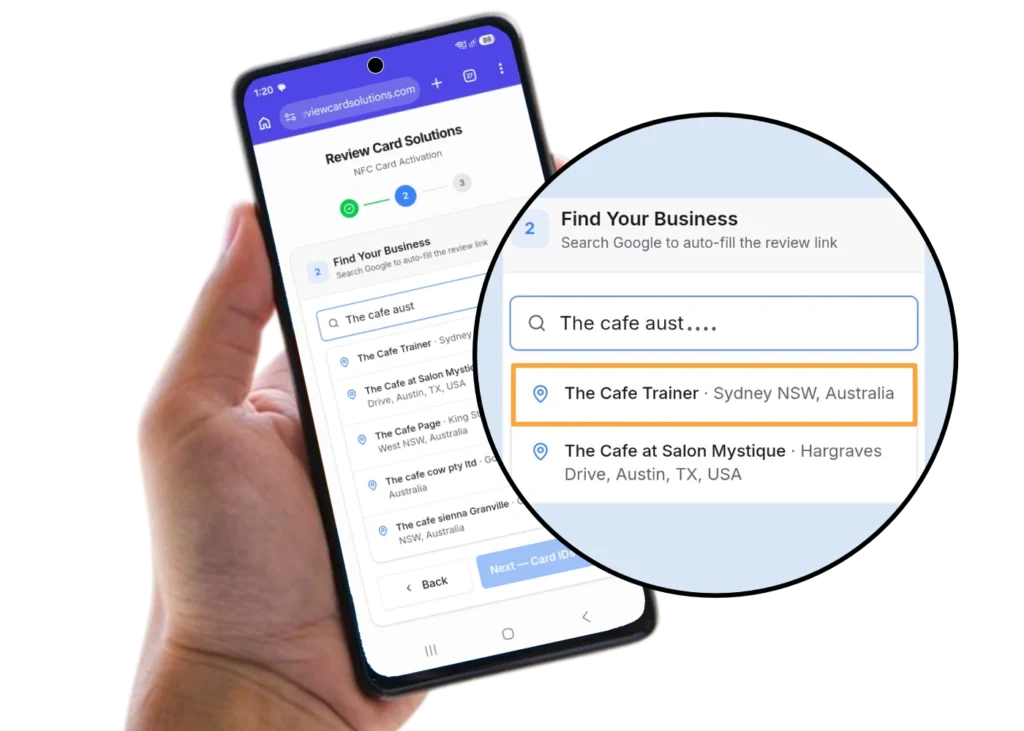
2go.webp

Search for your business
Select your Google profile 

3 id .webp

Enter your card IDs
Printed on each Review Card.

trust bar 10.webp

Connect your Google Business Profile

Your review cards arrive ready to connect
1phon.webp
Tap your new card,
to open the activation form.
2go.webp

Search for your Business 
Select your Google profile

3 id .webp

Enter your card IDs
Printed on each Review Card

Automated google review card activation
trust bar 10.webp

Real businesses.
Real results.

5 stars.webp
“8 new five-star reviews in 24 hours. It’s amazing.” Sue M. Café Owner

8 new five-star reviews in 24 hours

“Within the first 24 hours of placing on the tables, we had 8 new five-star reviews. It’s amazing – we can’t wait to see how this keeps growing.”

Sue M. Café Owner

CB
★★★★★
A must-have marketing tool for every business. We recommend it to all our clients.
Chatterbox
Publishing & Marketing
JS
★★★★★
Easy setup, great service, no ongoing fees. Tested it – it works. Simple as that.
Jeremy S. Photography & Media Business Owner
JP
★★★★★
These guys are great. Went above and beyond. Offered some sound advice on our profile and website. Would fully recommend.
Jeff P. Landscaping Business Owner
CB
★★★★★
A must-have marketing tool for every business. We recommend it to all our clients.
Chatterbox Publishing & Marketing
JS
★★★★★
Easy setup, great service, no ongoing fees. Tested it – it works. Simple as that.
Jeremy S. Photography & Media Business Owner
JP
★★★★★
These guys are great. Went above and beyond. Offered some sound advice on our profile and website. Would fully recommend.
Jeff P. Landscaping Business Owner

Getting reviews requires strategy

Find what works in your space

google review card restaurant customer moment2

A Better Way

No pressure. No awkward ask.
Quiet by design. Always ready.

Trusted by 500+ businesses across Aus/NZ

Frequently Asked Questions

Everything you need to know about Google Review Cards, setup, compatibility, and getting more customer reviews.

Google Review Cards create a simple review opportunity at the moment customers interact with your business. Using NFC tap technology and QR codes, customers are taken directly to your Google review page without searching for your business or typing a link.

No app is required. Customers can simply tap using NFC or scan the QR code. Both options open your Google review page directly, making the process quick and simple

Yes. Google Review Cards work with modern iPhone and Android devices that support NFC. QR codes provide an additional option, ensuring almost any customer with a smartphone can leave a review easily.

Google Review Cards, Stands and Tiles all create simple ways for customers to leave reviews, but they are designed for different customer interactions. Cards are portable prompts that can be handed directly to customers, Google Review Stands suit counters and service points, while Google Review Tiles and Table Tiles create visible review opportunities throughout your business.

You may also see them called NFC Google review cards, QR code review signs, review boost cards or “please review us” cards. The names vary, but the idea is the same: placing a simple review prompt where it naturally fits into the customer experience.

Google Review Cards work best where customer interactions naturally happen. Cards can be handed directly to customers, while review stands and review tiles work well on counters, tables, reception areas and other places where customers already engage with your business.

Many customers are willing to leave a review but the moment is often missed. Google Review Cards create a natural, visible prompt at the right time, making the review request easier for both the business and the customer.

Google Review Cards, Stands and Tiles are suited to customer-facing businesses including cafés, trades, clinics, retail, hospitality and professional services. Different products suit different customer spaces and interactions.

Yes. Google reviews are one of strongest signals that contribute to local search visibility. By helping businesses get more regular customer reviews and engagement, Google Review Cards support a stronger Google Business Profile presence.

Review Card Solutions products are available online and on display at participating Gilmours stores. You can view the range in-store or order through the Gilmours online portal.

No. Google Review Cards, Stands and Tiles are a one-time purchase with no ongoing fees required. Optional services such as Review Edge can be added for businesses wanting extra review management and automation tools.

Google Review Cards, Stands and Tiles help customers leave reviews by creating simple review opportunities throughout your business. They work independently with no subscription or ongoing fees required.

Review Edge adds advanced review management tools including Review Shield, smart replies and automation features to help businesses manage and get more value from their customer reviews.

Yes. Reviews are submitted directly through Google’s own system. They are not filtered, edited, gated, or incentivised, which keeps them fully compliant with Google’s review guidelines.

Each Google Review Card links to a single Google Business Profile. If you have multiple locations, each location should use its own card linked to the correct profile.

No. Google Review Cards do not collect personal data. Customers leave reviews directly on Google, and all data handling is managed by Google’s platform.

Table of Contents

Save to list